- Your cart is empty
- Continue Shopping
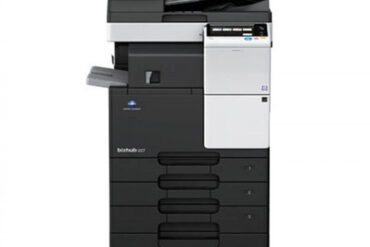
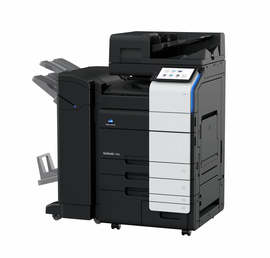
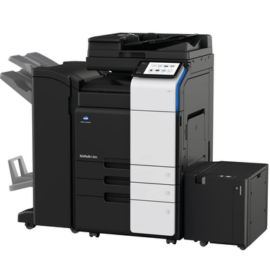
Refurbished Konica Minolta Bizhub B554 Multifunction Printer
-15%Featured
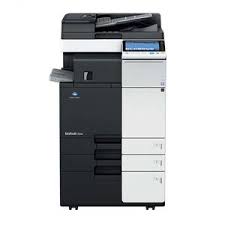
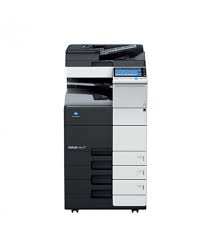
Refurbished Konica Minolta Bizhub B554 Multifunction Printer
R24500,00Current price is: R24500,00. Original price was: R28900,00.
Boost productivity with our multifunction copiers refurbished konica minolta bizhub b554 multifunction printer. Reliable, fast, and budget-friendly for offices.
Availability: 2 in stock
Add to cart
Buy Now
When looking for the best value multifunction copiers refurbished konica minolta bizhub b554 multifunction printer for professionals, our inventory provides the perfect balance of performance and affordability. This robust device is designed to handle the rigorous demands of modern office environments, providing consistent, high-speed output for all your document needs. Whether you are upgrading your current fleet or outfitting a new office, choosing high-quality multifunction copiers refurbished konica minolta bizhub b554 multifunction printer with fast shipping ensures that your workflow remains uninterrupted and your budget stays intact.
Typical Applications: This versatile machine is engineered to handle a wide range of output tasks, making it an essential tool for diverse organizations. It is ideal for printing educational materials such as tests, worksheets, and handouts, as well as essential business documents like newsletters, manuals, and internal forms. Beyond the office, it serves community organizations perfectly by producing high-quality community bulletins/flyers and professional church programs/event brochures with ease. Because we provide local support, businesses in the area can rely on our team for rapid setup and ongoing maintenance, ensuring that these multifunction copiers refurbished konica minolta bizhub b554 multifunction printer units always operate at peak efficiency.
Technical Specifications: The Bizhub B554 is a powerhouse of productivity. It features a print speed of 55 pages per minute, a 9-inch color touchscreen, and a 250 GB hard drive for secure document storage. With a standard paper capacity that can be expanded, it is designed for heavy-duty use. The unit supports network connectivity, ensuring seamless integration into your existing office infrastructure. Reliability is at the core of this model, as it is one of the most popular multifunction copiers refurbished konica minolta bizhub b554 multifunction printer solutions currently on the market for small and medium-sized enterprises.
Investing in reliable hardware is a strategic move for any growing company. Our refurbished process involves a rigorous 50-point inspection, meaning you receive a machine that performs like new. By choosing these multifunction copiers refurbished konica minolta bizhub b554 multifunction printer options, you contribute to sustainable business practices while securing top-tier technology. With intuitive controls and rapid warm-up times, your staff will spend less time managing the printer and more time focusing on critical business initiatives.


10 Frequently Asked Questions
| Print Speed | 55 ppm |
|---|---|
| Resolution | 1200 x 1200 dpi |
| Memory | 2 GB RAM |
| HDD | 250 GB |
| Max Paper Size | 11 x 17 inches |
Technical Details
- Print/Copy speed: 55 pages per minute
- Scan speed: Up to 160 originals per minute
- Paper capacity: Standard 1,150 sheets, expandable to 6,650
- Warm-up time: Less than 25 seconds
- Interface: Ethernet 10/100/1000Base-T, USB 2.0
| Width | 615 mm |
|---|---|
| Depth | 685 mm |
| Height | 921 mm |
| Weight | 76 kg |
Download Drivers & Software
Drivers are available via the official Konica Minolta support portal for all major operating systems.
Important: Always download drivers from the official manufacturer website for the latest version and security updates. Avoid third-party driver download sites.
Related products
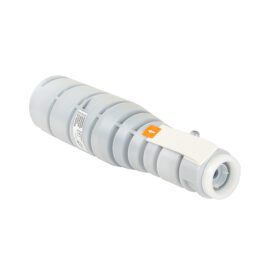
Compatible Konica Minolta Black Toner Cartridge TN-414
Guaranteed delivery on 12 - 16 October, 2026
R390,00
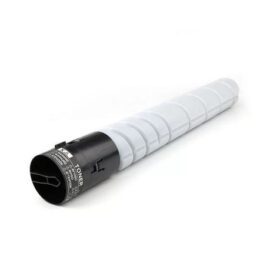
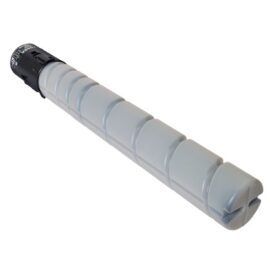
TN328 Compatible Konica Minolta Toner Cartridge Black
Guaranteed delivery on 12 - 16 October, 2026
R850,00
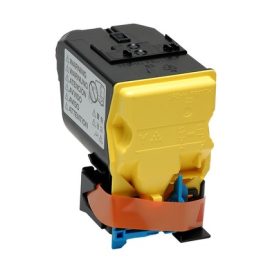
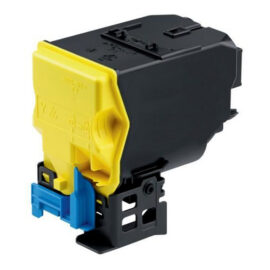
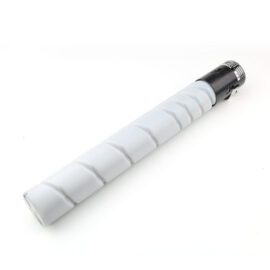
TN321-220-221 Compatible Konica Minolta Toner Cartridge Black
Guaranteed delivery on 12 - 16 October, 2026
R850,00
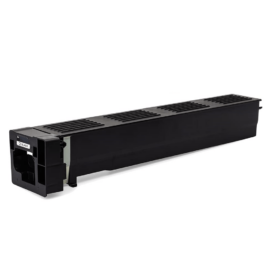
Minolta TN-618 Black Compatible Toner (Bizhub 552/652)
Guaranteed delivery on 12 - 16 October, 2026
R886,00
Reviews
There are no reviews yet.