- Your cart is empty
- Continue Shopping
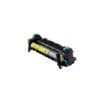
Konica Minolta C454/C454e Fuser Unit
-11%

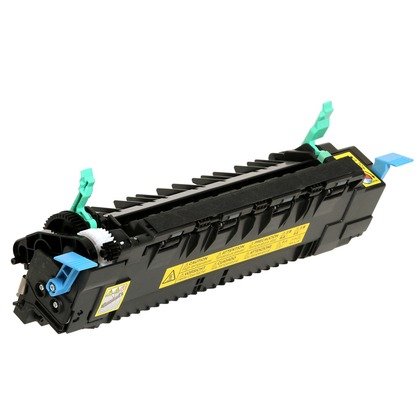
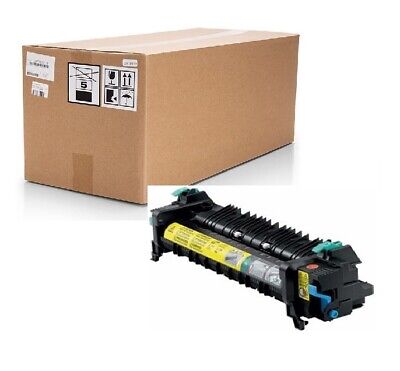
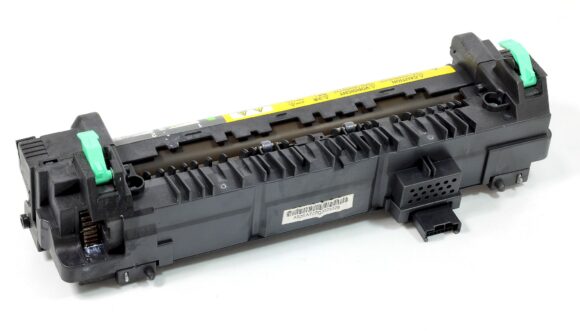
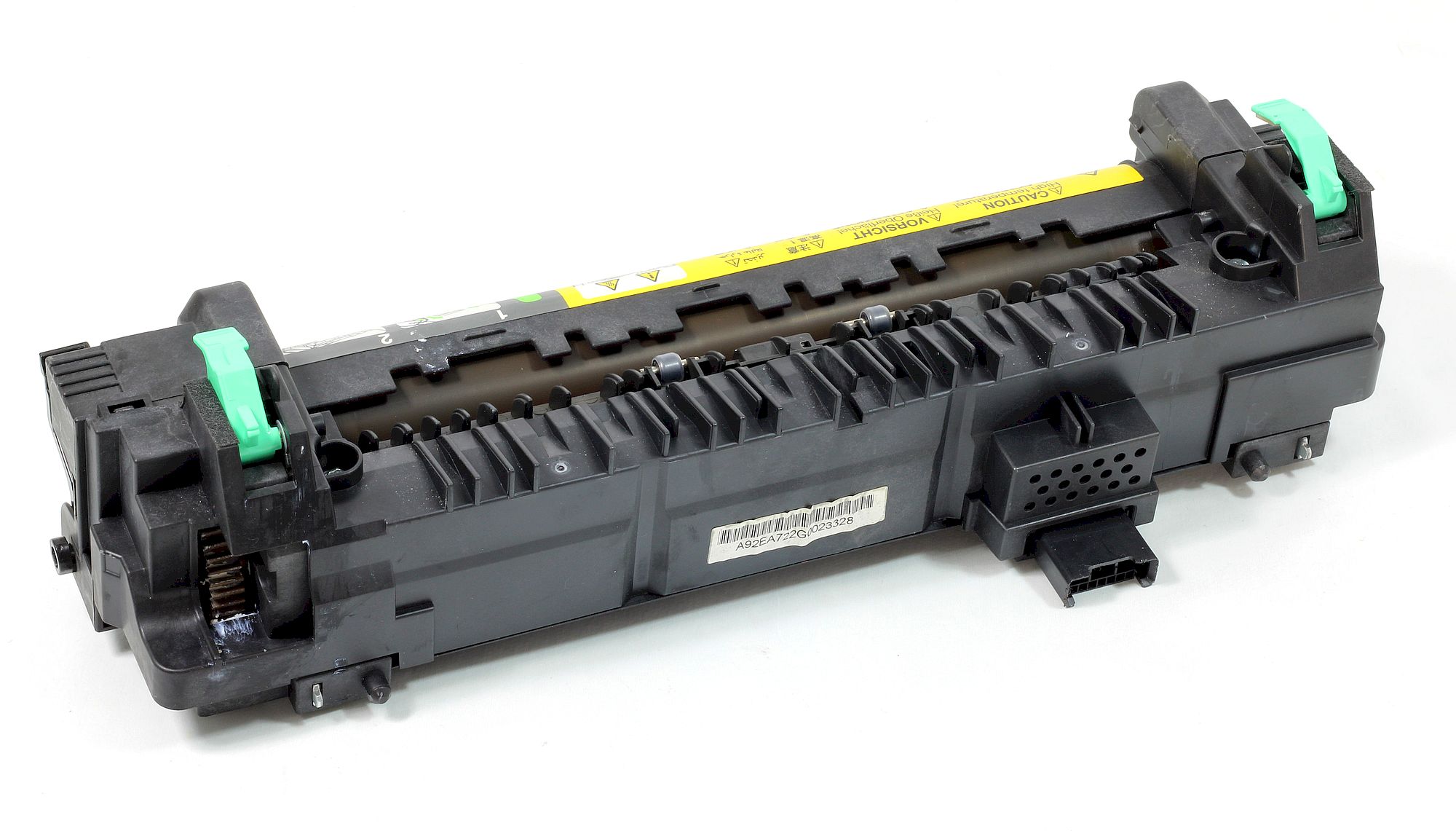
Konica Minolta C454/C454e Fuser Unit
R6800,00Current price is: R6800,00. Original price was: R7600,00.
Maintaining the peak performance of your office printing infrastructure is essential, and choosing the right replacement components is the first step. Our
Add to cart
Buy Now
Maintaining the peak performance of your office printing infrastructure is essential, and choosing the right replacement components is the first step. Our premium fuser units konica minolta c454/c454e fuser unit are engineered to meet the rigorous demands of high-volume work environments. Whether you are managing a busy regional office or a local educational institution, our components ensure that every page printed meets professional standards. By choosing the best value fuser units konica minolta c454/c454e fuser unit for professionals, you are investing in longevity and consistent image quality that keeps your operations running smoothly. We pride ourselves on offering high-quality fuser units konica minolta c454/c454e fuser unit with fast shipping, ensuring that your local business needs are met without unnecessary delays.
Typical Applications
This robust assembly is perfect for a wide array of printing tasks that require sharp, clean output. It handles educational materials, such as tests, worksheets, and handouts with ease. Businesses rely on these units for consistent production of newsletters, manuals, and important forms. Furthermore, the unit is ideal for community bulletins, flyers, and professional-looking church programs or event brochures. Its versatility makes it a staple for any organization.
Technical Specifications
Designed for precision, this fuser unit features advanced thermal roller technology that ensures perfect toner adhesion. The unit is rated for a high duty cycle of approximately 600,000 pages, making it a durable choice for demanding workflows. It operates on standard 110V power, ensuring full compatibility with your existing electrical setup. The components are built to resist high heat, preventing common issues like paper jams or fading, which is why technicians prefer these specific fuser units konica minolta c454/c454e fuser unit replacements for their long-term reliability.
When you select our fuser units konica minolta c454/c454e fuser unit, you are choosing a component that has been rigorously tested for quality and performance. Our commitment to local support means you can count on us to provide the parts necessary to keep your printer functioning at its best. Upgrade your printing capabilities today with a solution that balances cost, efficiency, and professional output quality.
Related: Fuser Units — Complete Guide
Maximize Print Longevity with the Konica Minolta C454/C454e Fuser Unit
Maintaining the high-speed output and professional sharpness of your bizhub office system requires precision components. The Konica Minolta C454/C454e Fuser Unit is engineered to deliver consistent heat distribution, ensuring that every page produced by your machine maintains professional-grade adhesion and clarity. By choosing a high-quality fuser unit for your C454 or C454e, you mitigate the risk of ghosting, smudging, or paper jams that often plague office environments relying on subpar maintenance parts. When you pair this unit with a reliable TN513K compatible Konica Minolta toner, you create an optimized printing ecosystem that balances cost-efficiency with high-volume performance.
Why Precision Matters for Your Workflow
A fuser unit is the heart of your laser printer’s image transfer process. If the internal heating elements fail to reach precise temperatures, your documents will suffer from poor toner bonding. Our replacement units are rigorously tested to meet the exact voltage and thermal specifications required by the C454 series. This ensures that your office can handle heavy-duty print cycles without compromising the integrity of the toner transfer. For users currently utilizing a TN513K compatible Konica Minolta toner, the fuser unit acts as the final gatekeeper, ensuring the toner powder is perfectly bonded to the page, resulting in crisp blacks and professional grayscale gradients.
Use Cases and Compatibility Considerations
This fuser unit is specifically tailored for high-demand office environments, including legal firms, accounting departments, and educational institutions that rely on the Konica Minolta C454/C454e for daily documentation. Whether you are running high-resolution reports or high-speed draft copies, this unit provides the durability needed to withstand long workdays. Before installation, we recommend verifying your machine’s current page count and checking your supply levels; integrating a fresh TN513K compatible Konica Minolta toner alongside your new fuser unit is the best practice for achieving optimal print density and extending the overall life of your bizhub machine’s internal rollers and secondary transfer components.
Frequently Asked Questions About the Konica Minolta C454/C454e Fuser Unit
Does installing a third-party Konica Minolta C454/C454e fuser unit void my printer’s manufacturer warranty?
No, using our high-quality Konica Minolta C454/C454e fuser unit does not void your printer’s warranty. Under the Magnuson-Moss Warranty Act, manufacturers cannot legally require you to use their brand-name parts to maintain your warranty, ensuring you can safely choose our cost-effective, high-performance fuser unit.
What steps should I follow for a successful installation of the Konica Minolta C454/C454e fuser unit?
To install your Konica Minolta C454/C454e fuser unit, first ensure the printer is completely powered down and cool to the touch. Open the right-side door, release the two blue locking levers on the fuser, and slide the old unit out. Carefully slide the new Konica Minolta C454/C454e fuser unit into the slots until it clicks, lock the levers, and close the door before powering the device back on.
How does this fuser unit compare in print quality to the original OEM version?
Our Konica Minolta C454/C454e fuser unit is engineered to meet or exceed OEM specifications, providing the same consistent heat distribution and toner bonding required for professional-grade documents. When paired with a reliable TN513K compatible Konica Minolta toner, you will achieve crisp, smudge-free text and vibrant graphics identical to the original factory standards.
What should I do if my printer displays an error code after installing the Konica Minolta C454/C454e fuser unit?
If you encounter an error code after installing your Konica Minolta C454/C454e fuser unit, first verify that the unit is fully seated and the locking levers are securely engaged. If the error persists, turn off the printer for 30 seconds to reset the sensor. Our support team is available to assist you with further troubleshooting if the Konica Minolta C454/C454e fuser unit continues to trigger a notification.
What is the expected lifespan of the Konica Minolta C454/C454e fuser unit?
The Konica Minolta C454/C454e fuser unit is rated for a high yield of approximately 600,000 pages, depending on media type and print density. By maintaining your printer with this durable Konica Minolta C454/C454e fuser unit and using quality supplies like the TN513K compatible Konica Minolta toner, you maximize the longevity of your machine’s critical imaging components.


10 Frequently Asked Questions
| Compatibility | Bizhub C454 / C454e |
|---|---|
| Part Type | Fuser Assembly |
| Duty Cycle | Approx. 600,000 pages |
| Voltage | 110V/120V |
Technical Details
- Thermal roller technology for precise toner bonding
- High-heat resistant materials for extended operational lifespan
- Integrated sensor compatibility for accurate machine error reporting
- Standard 110V power input for North American infrastructure
| Length | 45 cm |
|---|---|
| Width | 20 cm |
| Height | 15 cm |
| Weight | 2.5 kg |
| Package Weight | 3.0 kg |
Download Drivers & Software
This is a hardware component and does not require software drivers, though your printer firmware should be kept up to date.
Important: Always download drivers from the official manufacturer website for the latest version and security updates. Avoid third-party driver download sites.
Related products
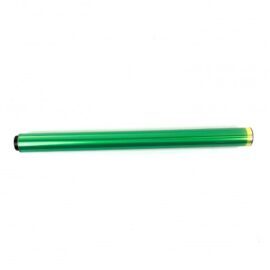
Konica Minolta Bizhub C220/280 OPC Drum Unit Compatible –
Guaranteed delivery on 29 July - 4 August, 2026
R260,00
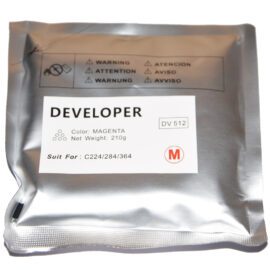
Bizhub DV512M Magenta Developer Powder
Guaranteed delivery on 29 July - 4 August, 2026
R700,00Current price is: R700,00. Original price was: R946,00.

Developer Powder DV313 for Konica Minolta 258, 30… | Btoners SA
Guaranteed delivery on 29 July - 4 August, 2026
R700,00

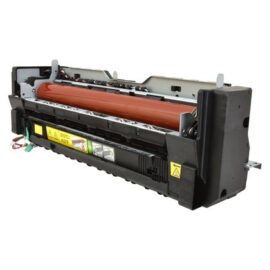
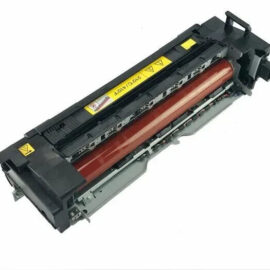
Konica Minolta Bizhub C554/C554e Fuser Unit
Guaranteed delivery on 29 July - 4 August, 2026
R16000,00
TN512 Compatible Konica Minolta Toner Cartridge Black
Guaranteed delivery on 29 July - 4 August, 2026
R900,00